About the Pathway of Effects (PoE) Navigator (Beta)
Major projects (such as large mines, inter-provincial highways etc.) can impact people and communities in complex ways. They can lead to changes in the natural environment as well as in human societies. In Canada, impact assessments are used to look at these effects and control negative impacts. Note that effects may fall under different and sometimes overlapping jurisdictions (e.g., federal, provincial, territorial, Indigenous).
This interactive tool is designed to walk you through possible changes and their effects, step-by-step. It helps you unpack how project activities can influence communities and environments, and how these changes may interact to affect well-being.
Note: This tool is a visual and interactive way to explore possible effects of different project activities. It is intended for information and discussion only and does not replace professional judgement, community knowledge, or formal impact assessment processes.
Using guided prompts, the PoE Navigator lets you:
- Browse different pathways and related themes
- Explore connections step-by-step, making complex information easier to understand
- Filter pathways so you can focus on what matters most to you
- Build a visual diagram that you can share with others via hyperlink or as a PDF
How to use the PoE Navigator
Start by collecting details on the major resource or infrastructure development project you're interested in.
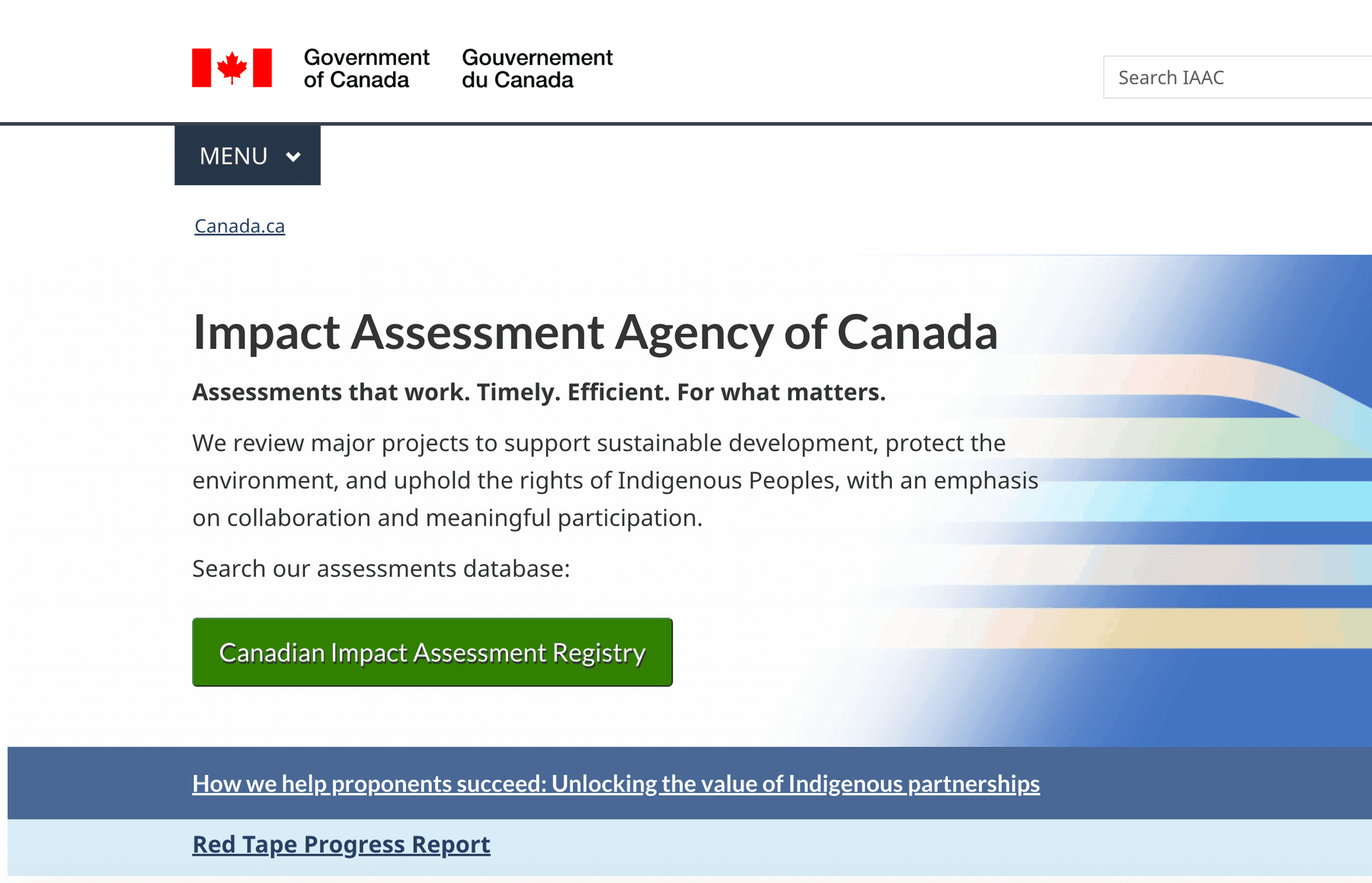
Examples of sources include proponent websites, project descriptions on government-based public registries e.g. Impact Assessment Agency of Canada (IAAC), British Columbia Environmental Assessment Office (BC EAO), Nunavut Impact Review Board (NIRB), and Bureau d'audiences publiques sur l'environnement (BAPE)
Alternatively, you can make a list of your concerns (see filter options in step 2.b below)
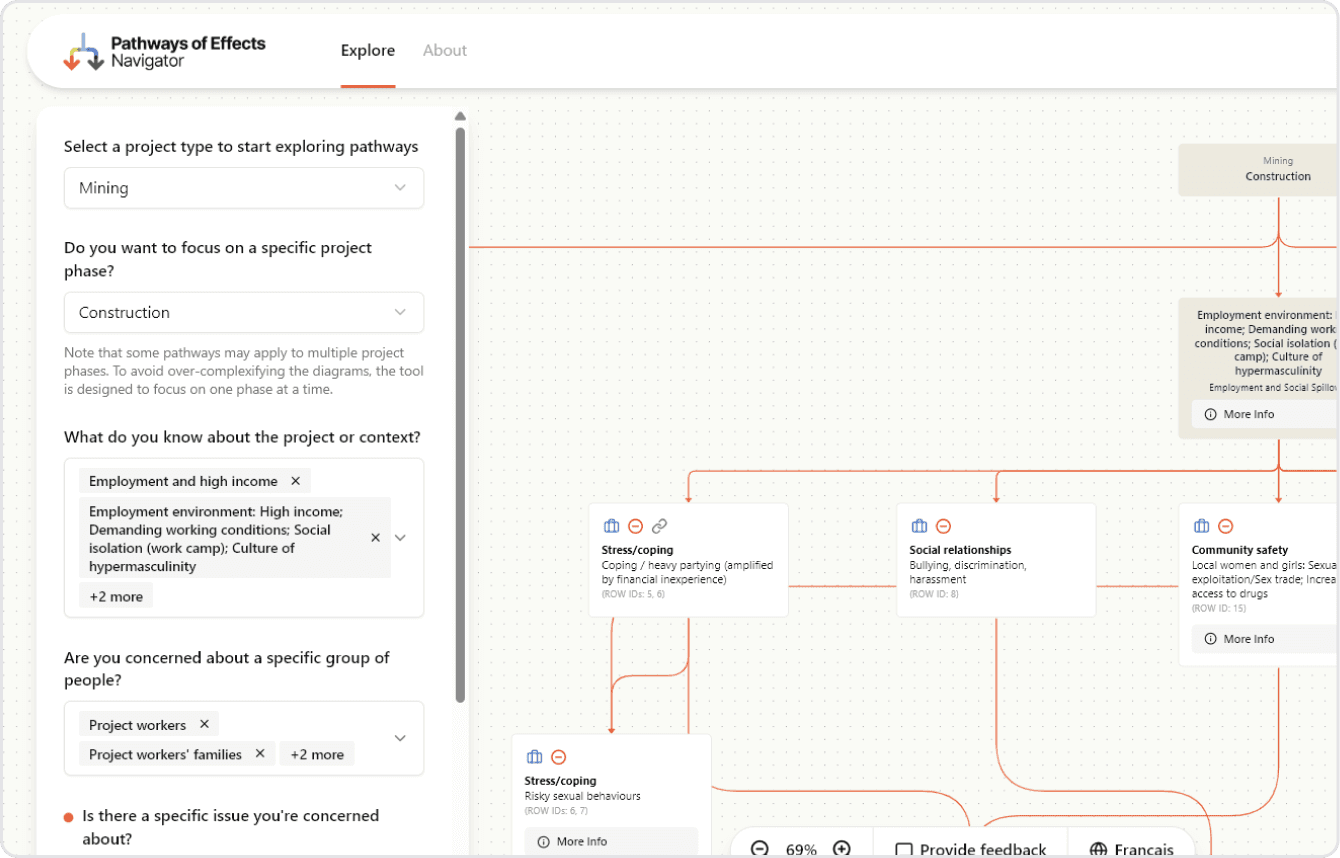
Go to the Explore page and select the type of project.
Explore one phase of the project at a time (construction, operations and maintenance, decommissioning or post-closure).
Use filters to focus on the issues that matter most to you (e.g. project activities, population groups, or relevant keywords).
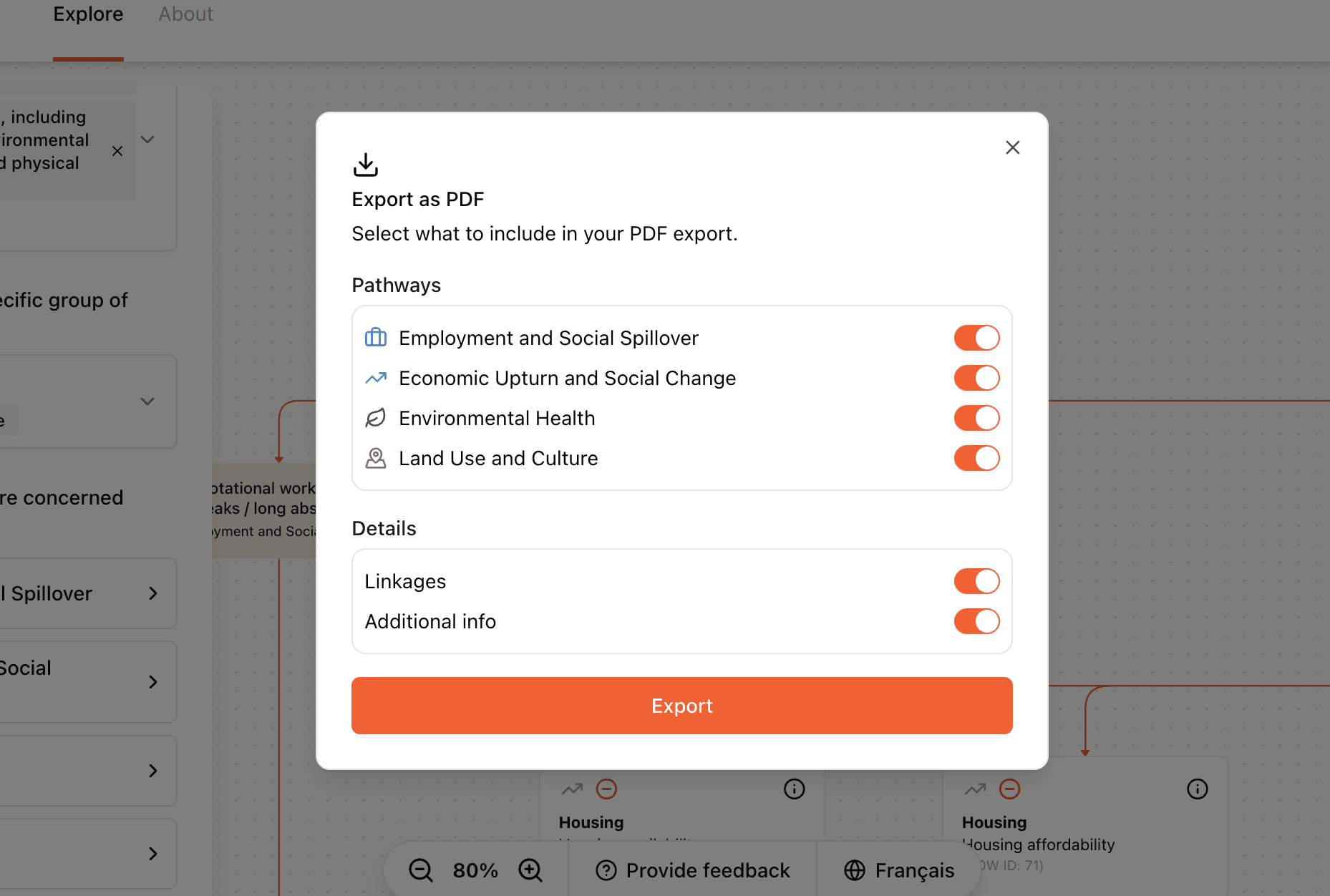
Share or export what you are viewing.
Share a link that preserves your chosen filters and data version
Export your current view as a PDF, then add sticky notes (digitally, or print and write it out by hand) to make note of any specific concerns or questions. Who you share this information with is up to you!
If you're new to Pathway of Effects, begin broadly and narrow your filters gradually.
Feedback is welcome
This tool is in its beta phase, meaning it's available for testing by invitation only and ongoing updates are anticipated before it is made public.
- Notice gaps in the content, or missing features
- Run into bug or performance issues
- Have suggestions on how to improve clarity and accessibility